





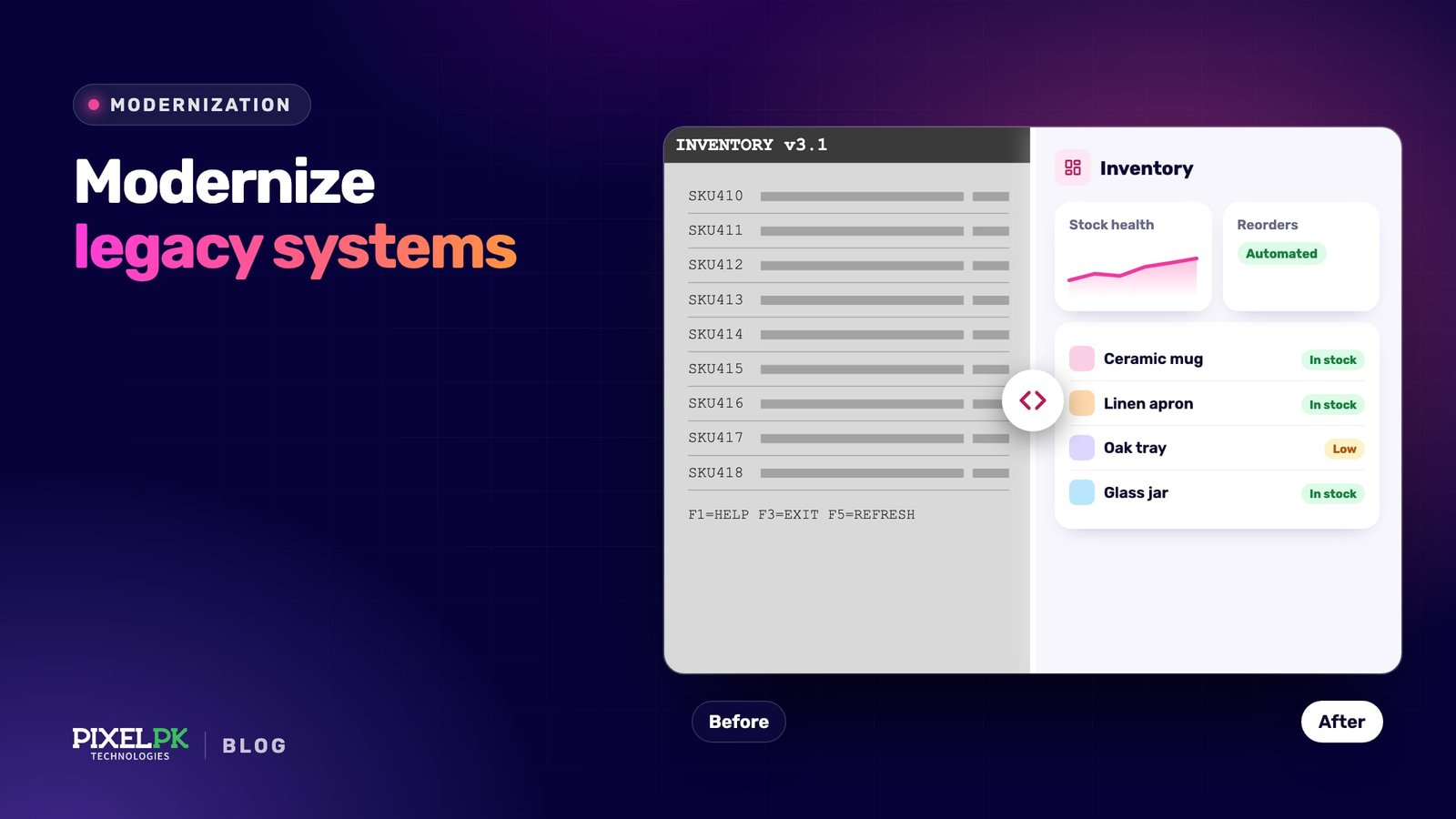
Legacy system modernisation means moving an old but business-critical application onto a platform, architecture or codebase your team can change safely, without stopping the operations that depend on it. It matters because ageing systems quietly absorb budget and slow every change: US federal agencies report spending about 80% of their IT budget on operating and maintaining existing systems, leaving little for anything new.
Signs it’s time to modernise, and when to leave a system alone
A system is “legacy” when it is expensive or risky to change, not when it reaches a certain age. Signs that one no longer fits the business:
- Every change is slow and nerve-racking. Small fixes need long manual regression cycles, so releases are rare.
- Knowledge sits with one or two people. Only a long-serving engineer or contractor understands the core.
- The platform is out of support. The operating system, database or framework no longer gets security patches, and hardware support costs keep climbing.
- It blocks new work. Partners, mobile apps or AI features need APIs and clean data the system cannot provide.
- Compliance gaps appear. Audit logging, access control, encryption or data residency rules cannot be met on the current platform.
Leave a system alone when it is stable, patched, rarely changes and nobody needs it to do anything new. Wrapping it in an API, or simply keeping it, is often the honest answer.
Six modernisation strategies and when each fits
Most frameworks, including AWS’s “7 Rs”, describe the same spectrum: from changing where code runs to replacing the system entirely. Effort, risk and payoff rise down the table. Most portfolios mix several, chosen application by application.
| Strategy | What changes | When it fits | Main trade-off |
|---|---|---|---|
| Rehost (lift and shift) | Infrastructure only; code untouched | Data-centre exit or hardware end of life on a deadline | Fast, but carries every existing problem across |
| Replatform | Runtime, OS or managed services, with small code changes | You want less operational work or licence savings without a redesign | Same architecture, so agility barely improves |
| Refactor | Internal code structure, not behaviour | The design is sound but the code is hard to change, untested or on old frameworks | Needs a strong test safety net; users see little difference |
| Rearchitect | Structure: modules or services, events, cloud-native patterns | Specific parts must scale, release or change independently | Highest design effort and distributed-systems complexity |
| Rebuild | Rewritten from scratch with the same scope | Code and platform are beyond saving and requirements are well understood | Long wait for value; undocumented rules get lost |
| Replace | Swapped for SaaS or a packaged product | The function is a commodity, such as HR, accounting or CRM | Your processes bend to the product; data migration and lock-in |
Three more options belong in every assessment: encapsulate (expose the old system through APIs), retain, and retire. AWS suggests treating applications with average CPU and memory use below 5 percent as candidates to retire. Switching something off is the cheapest modernisation there is.
The costliest mistake is choosing a rebuild by default. Martin Fowler notes that the replace-everything-at-once plan tends to “go down in flames most of the time”, and recommends the strangler fig approach: grow new components around the old system and move behaviour across in small slices.
What AI coding agents change, and where they fall short
The most expensive phase of modernisation, working out what the old code actually does, has become much cheaper. Coding agents such as Claude Code, OpenAI Codex and GitHub Copilot’s agent mode read a whole repository, follow call chains and explain what they find. Through the Model Context Protocol (MCP) they can also pull in database schemas, tickets and logs.
Understanding old code
Agents map dependencies, explain modules, document batch jobs and flag dead code. Anthropic describes using Claude Code to map hidden coupling through shared files, databases and global state in COBOL estates, and to document workflows nobody on the current team remembers building. Treat that as a first draft for experts to check.
Generating tests
Before changing anything you need characterisation tests: tests that pin down what the system does today, quirks included. Agents are good at drafting these from code paths and recorded production inputs and outputs. People still decide whether coverage is enough, because everything later depends on it.
Translating and upgrading code
GitHub Copilot modernization assesses and upgrades Java, .NET and C++ applications, combining deterministic tools such as OpenRewrite with AI and keeping humans in the loop. AWS Transform covers mainframe, .NET, VMware, Java, Node.js and Python work, and AWS markets it as modernising applications up to 5x faster. Treat that as a vendor figure to test on your own code.
The strongest published evidence comes from Google. Across 39 internal migrations over twelve months, an LLM generated 74.45% of the code changes, and developers estimated a 50% cut in total migration time compared with earlier manual migrations. That is an estimate rather than a controlled comparison, and every change still passed automated validation and human review.
The limits
- Code is not the whole system. Business rules hide in data, job schedules, stored procedures and operators’ habits. Agents only see what you give them.
- Translation preserves structure, not intent. Line-by-line COBOL-to-Java conversion produces procedural code in Java syntax that nobody wants to maintain. Decide the target design first.
- Plausible is not correct. Google’s paper names context limits and hallucinations as ongoing challenges. Generated code can compile and read well while getting an edge case wrong; only tests and parallel runs catch that.
- Data handling matters. Check where code and data are sent, how long they are kept, and whether you can use model endpoints in your own cloud account.
Before committing, run a small eval: give the agent modules with known behaviour, measure how often its output passes the characterisation tests, and decide from that, not the demo.
Moving to the cloud, and moving the data
Migrate first, modernise second?
Cloud is often part of modernisation, but it is not the same thing. A rehosted tangle is still a tangle with a different bill. For large migrations, AWS advises rehosting, relocating or replatforming first and modernising afterwards, because refactoring during the move is the most complex and costly strategy.
That sequence suits deadline-driven moves. When the goal is agility, rearchitect the few systems that genuinely need it. Our cloud migration playbook covers the move itself, and the guide to cloud-native and microservices migration covers decomposition.
AI-led cloud modernisation usually means two things: using agents to speed up the work, and landing the system where AI features are easy to add. Managed model services such as Amazon Bedrock and Microsoft Foundry connect to your data through APIs once it is out of the old silo. If you need AI on a system you cannot move yet, see adding AI to legacy systems without a rewrite.
Data migration without surprises
Old databases hold inconsistent formats, orphaned records and business logic buried in triggers and stored procedures, which is why data work so often sets the schedule.
- Profile the source: volumes, nulls, duplicates, encodings and undocumented code values.
- Map and decide: map old fields to the new model and name an owner for every judgement call.
- Rehearse: run full migrations on production copies and time them.
- Reconcile: compare row counts, checksums and business totals such as balances and open orders, signed off by their owners.
- Sync and fall back: keep old and new stores aligned with change data capture (the cloud providers’ database migration services or open-source Debezium), and keep a rollback path until the old store is retired.
A phased roadmap that keeps the business running
- Inventory and assess. List applications, integrations, data stores and owners, and score each on business value and technical health. Agents speed up code analysis; interviews with users and operators cover the rest.
- Choose a strategy per application using the table above. Retire and retain decisions free budget for everything else.
- Set outcomes and baselines. Record run cost, release frequency, incident rates and how long a typical change request takes today.
- Build the safety net. Add characterisation tests, CI/CD, logging and monitoring around the old system.
- Pick a first slice with clear boundaries and moderate complexity: valuable enough to matter, small enough to finish in weeks.
- Route and run side by side. Put an API gateway or facade in front, build the slice, and compare old and new outputs before switching traffic.
- Move that slice’s data, reconcile it, cut over and keep a rollback window.
- Decommission and repeat. Switch off the replaced code, servers and licences, then start the next slice.
Step 8 is the one teams skip, and it leaves you paying for two systems.
How to frame cost, ROI and KPIs
There is no honest single price. Rehosting a small application can take a few weeks of work; rearchitecting a core system is a multi-year programme. Cost is driven by:
- codebase size, language and age
- quality of existing documentation and tests
- number of integrations and data volume and quality
- compliance and audit requirements
- access to people who understand the current system
- how long old and new systems run in parallel
AI changes the cost mix more than the total. Discovery, documentation and mechanical translation get cheaper. Validation, data work, testing and change management shrink much less, so budget for them properly.
Frame ROI against the cost of standing still, not against zero. Standing still costs licence and hardware support, specialist contractors, outages, security exposure and the features you cannot ship. Fund the work in slices, each with its own business case, so the programme can stop early and still pay back.
Track a small set of KPIs from day one:
- Delivery: DORA’s five software delivery metrics: change lead time, deployment frequency, change fail rate, failed deployment recovery time and deployment rework rate.
- Cost: run cost per transaction or user, licence spend, and cloud spend against forecast.
- Progress: share of traffic or functions on the new platform, and legacy components retired.
- Reliability and business impact: incidents, outage minutes, and time from a business request to release.
The risks that sink modernisation, and how to reduce them
- The big-bang rewrite. Deliver in slices behind a facade so each goes live on its own.
- Lost business rules. Use characterisation tests, parallel runs that compare outputs, and expert review of AI-generated documentation.
- Scope creep. Reach parity first and schedule improvements after cutover, or budget them explicitly.
- Data errors. Rehearse migrations and have business owners sign off reconciliations.
- Two systems forever. Set a decommission date for every slice.
- Over-trusting AI output. Keep changes small, reviewed and tested, and measure agent accuracy with evals.
- Knowledge walking out. Pair the people who know the old system with the new team early.
- Lock-in and security gaps. Own generated code and infrastructure-as-code in portable formats, and threat-model the new integration and sync paths.
How Pixelpk approaches this
Pixelpk Technologies is an AI and software development company founded in 2018 and headquartered in Lahore, Pakistan, with offices in Malaysia, the UK, Australia, Saudi Arabia and the US. Its team of 50+ has shipped more than 1,000 projects and is rated 4.9/5 on Clutch.
Modernisation work draws on our custom software development and data engineering teams, and on our experience running our own AI products in production, including Pakistan LawBot and Aivastark.
You can work with us as an extended team, a managed dedicated team, or through custom solution development. Browse our case studies, or book a free strategy call to talk through a system you are weighing up.
Frequently asked questions
How long does legacy system modernisation take?
It depends on the strategy and the size of the system. Rehosting a handful of applications can take weeks, and replatforming usually takes a few months. Rearchitecting or rebuilding a core system typically takes many months to several years. Codebase size, integration count, data quality and access to people who know the system drive the timeline most.
Can AI rewrite a legacy system automatically?
Not end to end. Coding agents and tools such as GitHub Copilot modernization and AWS Transform speed up code analysis, documentation, test drafting, framework upgrades and language translation. They cannot see business rules hidden in data, job schedules and people’s habits, and their output can be plausible but wrong. Treat it as draft work that must pass tests, parallel runs and human review.
Is it better to rewrite from scratch or modernise incrementally?
Incremental modernisation is the safer default. A full rewrite delays value, loses undocumented behaviour and often stalls chasing feature parity. Building new components around the old system and moving functions across one slice at a time, known as the strangler fig approach, keeps the business running and lets you stop early. A rebuild makes sense only when the code and platform are beyond saving.
How much does modernising a legacy system cost?
There is no reliable single figure. Cost depends on the strategy, codebase size and language, test coverage, number of integrations, data volume and quality, compliance needs and how long old and new systems run in parallel. A rehost is usually the cheapest option and a rebuild the most expensive. Assessing the actual code, data and integrations is the most dependable way to get a realistic range.
Do we have to move to the cloud to modernise?
No. Cloud is a common destination because managed services reduce operating effort, but some systems stay on-premises for data residency, specialist hardware or cost reasons. You can add tests, expose APIs, upgrade frameworks and restructure code without moving. Where you do move, rehosting or replatforming first and modernising afterwards is usually lower risk than doing both at once.